w
wanyard
v0.1.0 · self-hosted
docs github
open source · local detection · your hardware

Your yard,
on your WAN.

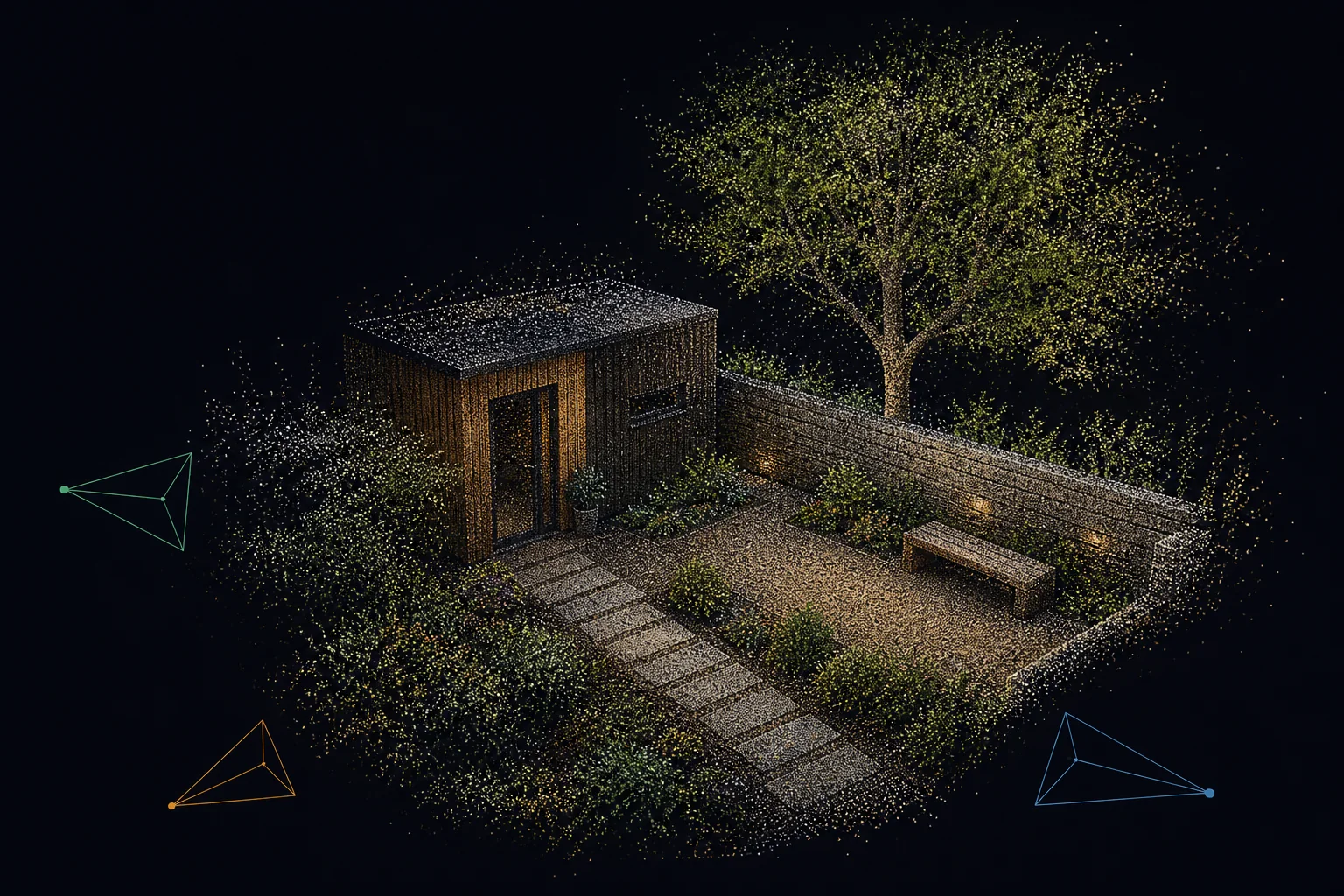
Wanyard records any RTSP camera and turns days of footage into encounters you can actually skim. Filter by object and area, preview the whole visit, or swipe through a private detection feed.

$ git clone https://github.com/blowhacker/wanyard && cd wanyard && docker compose up -d --build
  • any rtsp camera
  • tracked encounters
  • no cloud
w Detections
CAMERASAllfrontgarden
AREASAllpeanut table
OBJECTSBird 28Person 14Cat 2
All cameras6 encounters
BIRD
garden · 06:16:02 8s
PERSON
front · 07:48:14 15s
CAT
garden · 08:03:51 6s
PERSON
front · 08:21:05 21s
BIRD
garden · 08:46:40 4s
CAR
front · 09:02:33 11s
9:41•••
BIRDgarden · peanut table
Today, 06:16 · 8 seconds
2 / 6
the useful bit

Ten hours of footage.
One magpie.

The detector sees frames. Wanyard turns them into visits: one walker, one card; a group moving together, one encounter. Then it gives you three good ways to find the moment.

01

Filter the wall

Choose cameras, object classes and multiple areas. Areas belong to their camera, so “all of the front” and “peanut table in the garden” can coexist.

front · allgarden · peanut tablebird
02

Preview the whole visit

Hover on desktop or press on touch. The preview follows the detected subject smoothly through the frame and keeps playing for the encounter, not an arbitrary second.

person
03

Swipe the feed

Full-height video on mobile, arrow keys on desktop, and the next encounter preloaded. The URL follows the current item, so the exact moment is shareable.

previouscurrent encounternext, preloaded
Object detection, not identity surveillance.

Wanyard recognises classes such as bird, cat, dog and person. It does not recognise faces, search profiles or upload footage for somebody else to analyse.

LOCAL BY DEFAULT
underneath the finding

A recorder underneath.
A finding machine on top.

Wanyard is opinionated about the boring parts—capture, timestamps, retention and browser playback—so finding the interesting parts feels light.

01 RECORDING

Live wall and continuous capture

Watch every camera live over WebRTC. Footage is written as timestamped MP4 segments, ready to scrub, replay and export without a cloud round-trip.

RTSP in · WebRTC live · MP4 on disk
02 DETECTION

YOLO, with classes you choose

Select the classes worth keeping in settings. YOLO detects them in real time and can backfill recent recordings after an interruption.

settings-selected classes · CPU or CUDA
03 ENCOUNTERS

Movement becomes a visit

Tracking and spatial-temporal grouping join repeated boxes into one useful encounter, while preserving the path needed for a smooth preview.

tracking · groups · complete encounter windows
04 STORAGE

Timeline, wall and feed

Use the full recording timeline when you know when, the detection wall when you know what, and the feed when you just want to see what visited.

desktop + mobile · shareable moments
05 STORAGE

Disk auto-cleanup

Keep a chosen number of days or cap disk usage. Wanyard prunes the oldest footage first and never lets the recorder casually eat the drive.

per-camera retention · safe defaults
06 DEPLOY

One Compose stack

Bring Docker, a footage directory and an RTSP URL. The ingest, recorder, web app and detector come up together; add the GPU override when you want acceleration.

go2rtc · mediamtx · ffmpeg · ultralytics
any rtsp camera

If it speaks RTSP, it works.

No camera lock-in. No "verified device list." If you can paste a URL that starts with rtsp://, wanyard records it.

Reolink· Hikvision· Amcrest· Dahua· Tapo· Ubiquiti· Foscam· Annke· Lorex· Axis· Wyze* …or that 2014 IP cam in the garage
* wyze requires rtsp firmware · onvif discovery on the roadmap
under the hood

One camera pull, several useful views. Decoupled on purpose.

  +--------+  rtsp   +---------+  relay  +--------------------+
  | camera | ------>  | go2rtc | ------> | mediamtx + stamper |
  +--------+         +----+----+         +-----+--------+-----+
                            | WebRTC          |        |
                            v                  v        v
                      +-----+-----+      +--------+ +--------+
                      | live wall |      | MP4 disk | |  YOLO  |
                      +-----------+      +----+---+ +---+----+
                                                  | events |
                                                  v        v
                                             +----------------+
                                             | viewer + wall  |
                                             +----------------+

Decoupled by design.

go2rtc owns the camera connection and serves low-latency WebRTC. MediaMTX relays the recording stream; the stamper carries a frame-accurate clock in SEI metadata. The recorder writes MP4 while YOLO tags the same timeline with detections.

  • go2rtc pulls each camera once and fans it out
  • Recorder never blocks on inference
  • YOLO runs real-time on the stamped stream, backfills MP4
  • Viewer reads from disk; no central broker
vs. the alternatives

Where wanyard fits — and where it doesn't.

An honest comparison. The other projects in this space are good. Pick the one that matches what you actually want to run.

 
wanyard
Frigate
Ring / Nest
Self-hosted
cloud-only
Monthly fee
$0
$0
$5–15 / mo
Object detection
YOLO, real-time + backfill
YOLO / Coral TPU
basic, paywalled
Works with any RTSP cam
proprietary only
Setup
1 docker compose
config.yml + HA
app sign-up
Home Assistant required
no
commonly paired
Your footage stored…
on your disk
on your disk
in someone else's datacenter
Source available
MIT
AGPL-3.0
Why not just use Frigate? You should, if you live inside Home Assistant and want the Coral TPU pipeline. Wanyard is for people who want a smaller surface area: one Docker compose, a web viewer at :8091, and nothing else to configure.
install

One docker compose up and you're recording.

Wanyard needs Docker and a directory to write footage to. That's it. The YOLO model downloads automatically on first run.

QUICKSTART · CPU
# clone, build, run
git clone https://github.com/blowhacker/wanyard.git
cd wanyard
docker compose up --build -d

# add your first camera
open http://localhost:8091/settings
QUICKSTART · GPU (CUDA)
# enable the gpu override
cp docker-compose.gpu.yml \
   docker-compose.override.yml

docker compose up --build -d

# yolo worker now runs on cuda
docker compose logs wanyard-yolo

Hardware that's known to work

MINIMUM
A 4-core x86 box with 8 GB RAM and a 1 TB drive. Handles 1–2 cams at 1080p on CPU comfortably.
RECOMMENDED
Anything with an NVIDIA GPU (even a 1060). 4–8 cams real-time with backfill keeping pace.
OVERKILL
You already have a NAS and a homelab. Wanyard is happy to live in a corner of it.

What you'll see

:8091
The live wall and viewer. Live streams, timeline, tracked playback, clip export.
:8091/detections
The filterable detection wall and full-height encounter feed.
:8091/settings
Add cameras, select detector classes, draw per-camera areas and configure retention.
./data & ./footage
Your database and your MP4 segments. Back them up like any other folder.
faq

Things people ask.

Does this work without a GPU?
Yes. The YOLO worker runs on CPU and handles 1–2 cameras at 1080p in real time. For 4+ cameras you'll want a GPU — even an old 1060 makes a substantial difference, especially for backfill catching up after a downtime.
Do I need Home Assistant?
No. Wanyard is a standalone web server. Home Assistant is great, but you shouldn't have to install a whole smart-home platform to look at your driveway.
What cameras work?
Anything that exposes an RTSP stream in H.264 or H.265. That includes most Reolink, Hikvision, Amcrest, Dahua, Tapo (with RTSP firmware), Ubiquiti, Axis, Foscam, and Annke cameras, plus generic ONVIF IP cams from before 2014. If it streams to VLC, it streams to wanyard.
Is my footage private?
By default, yes — wanyard runs LAN-only. There are no telemetry calls. The only outbound request is the YOLO model download on first run, from the Ultralytics CDN. If you want remote access, put it behind a Tailscale or Wireguard tunnel; don't port-forward it.
Will there ever be a hosted version?
Maybe, someday. Wanyard hosted would be for people who want all of this without owning a server. It is not the priority right now — the open-source thing is what wanyard is. If you'd find a managed version useful, drop a note on the GitHub.
What does "wanyard" mean?
Your yard is now on your WAN. Mostly a play on words; partly a reminder that the camera looking at your yard probably shouldn't be relaying through a server in Oregon.
License?
MIT. Use it, fork it, run it for a customer. The model weights are subject to Ultralytics' license — read theirs if that matters to you.

It's just a docker compose up.

Stop renting your own footage.

$ git clone https://github.com/blowhacker/wanyard && cd wanyard && docker compose up -d